How UGA Students Can Access LinkedIn Learning for Free
How UGA Students Can Access LinkedIn Learning for Free
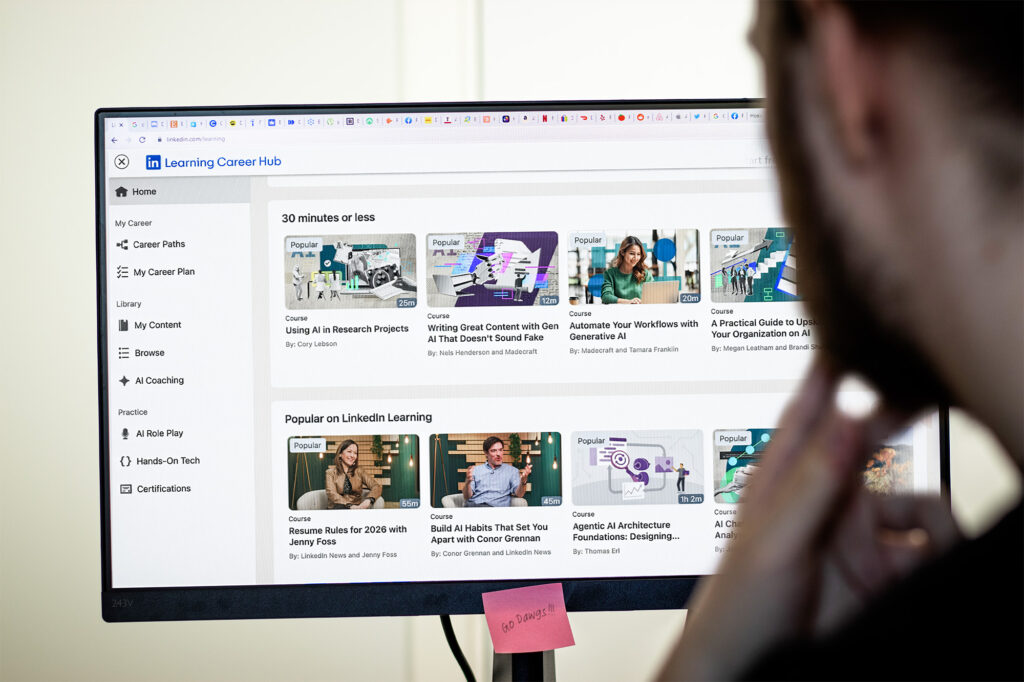
All University of Georgia students, faculty, and staff have free access to LinkedIn Learning (formerly lynda.com), an online training resource with more than 16,000 courses in software, business, communication, and creative skills. It’s a practical way to develop skills online that support both your coursework and your career, as well as building up your LinkedIn profile.
What is LinkedIn Learning?
LinkedIn Learning is an online platform that offers short, skills-based video courses taught by industry professionals. Courses range in length from 5 minutes to several hours and are available 24/7. At UGA, access is available for free to all students to help them develop technical, creative, and professional skills outside of their degree programs.
Who has access to LinkedIn Learning at UGA?
All UGA students, faculty, and staff with a valid MyID have free, unlimited access.
How do you access LinkedIn Learning through UGA?
Go to the MyUGA Portal at my.uga.edu and click the LinkedIn Learning logo on the left side of the page, OR visit this link. Enter your UGA email (MyID@uga.edu) when prompted, then sign in through UGA’s single sign-on using your MyID and password.
What can you use LinkedIn Learning for?
Students can use LinkedIn Learning to grow software skills, check out new technology, improve communication or business knowledge, and explore creative topics that complement their online degree program.
Can LinkedIn Learning connect to your LinkedIn profile?
Yes. You can connect your LinkedIn profile so completed courses and certifications are automatically added and visible to anyone who visits your profile.
Where else can you access LinkedIn Learning courses at UGA?
Some courses are also integrated with UGA’s Professional Education Portal at pep.uga.edu.